LipSync System for Ren'Py — Professional Dubbing Animation Tool
A downloadable LipSyncPlugin
🎙️ LipSync System for Ren'Py - Professional Dubbing Animation Tool
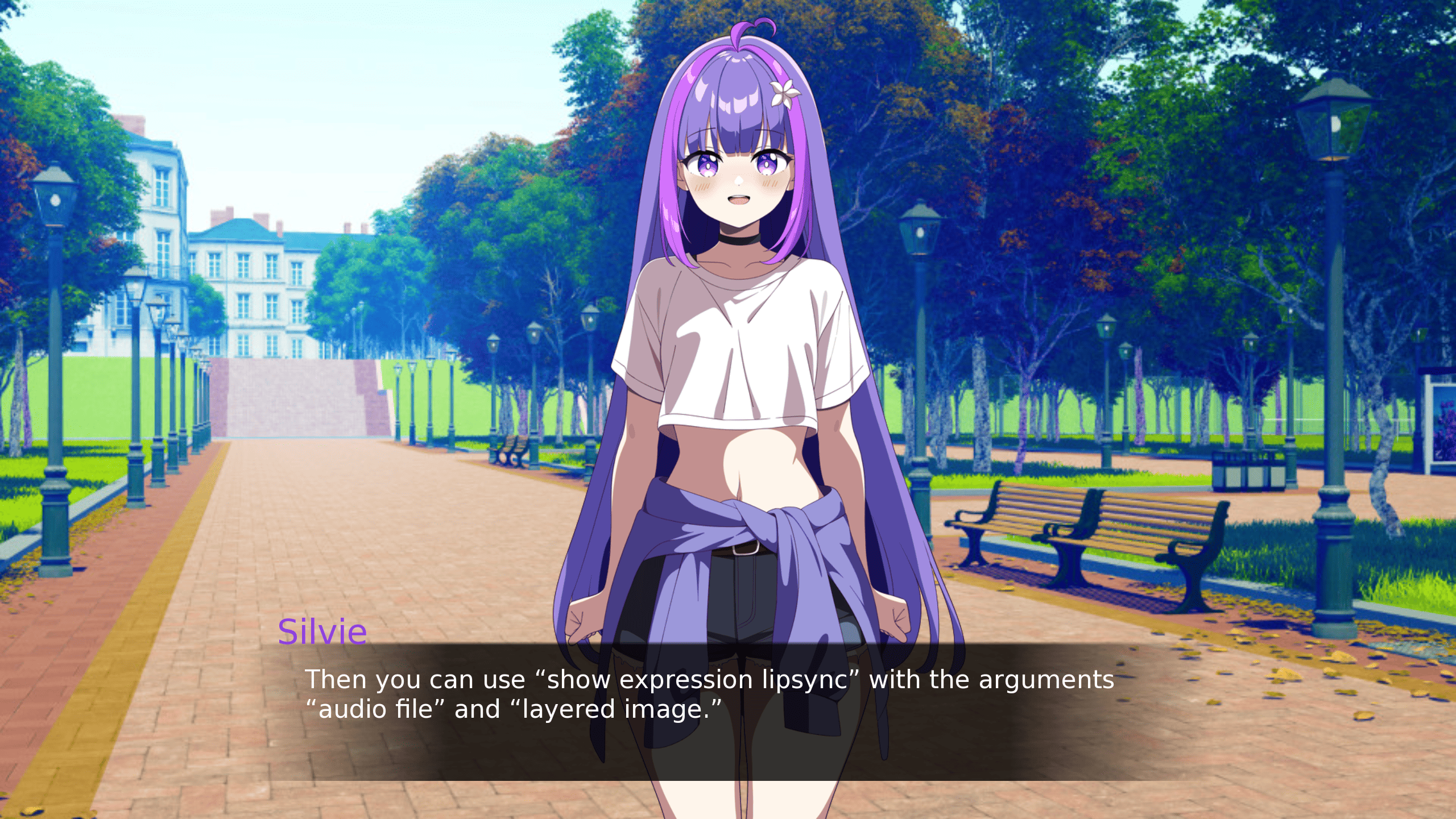
Bring your voice acting to life with realistic, frame-accurate lip animation in Ren’Py.
This professional LipSync system analyzes your WAV audio files and automatically synchronizes mouth movements to spoken dialogue, perfect for dubbing, voice-acted visual novels, or animated character scenes. This is for professionals who want to take their storytelling to a new level of immersion.
🔍 What This System Does
This script dynamically reads your .wav voice files and calculates speech intensity in real time to produce natural mouth animation synced to the audio.
It automatically detects speech phases (closed → semi-open → open mouth) by measuring sound peaks and volume levels.
Once set up, your characters' mouths move smoothly in rhythm with the spoken voice lines, no manual timing or keyframes required.
💡 Features
✅ Automatic Lip Movement
Analyzes .wav audio and creates natural mouth opening and closing.
✅ Audio-Driven Animation
Uses real-time audio position tracking for perfect sync with Ren’Py’s voice playback.
✅ Supports Per-Character Settings
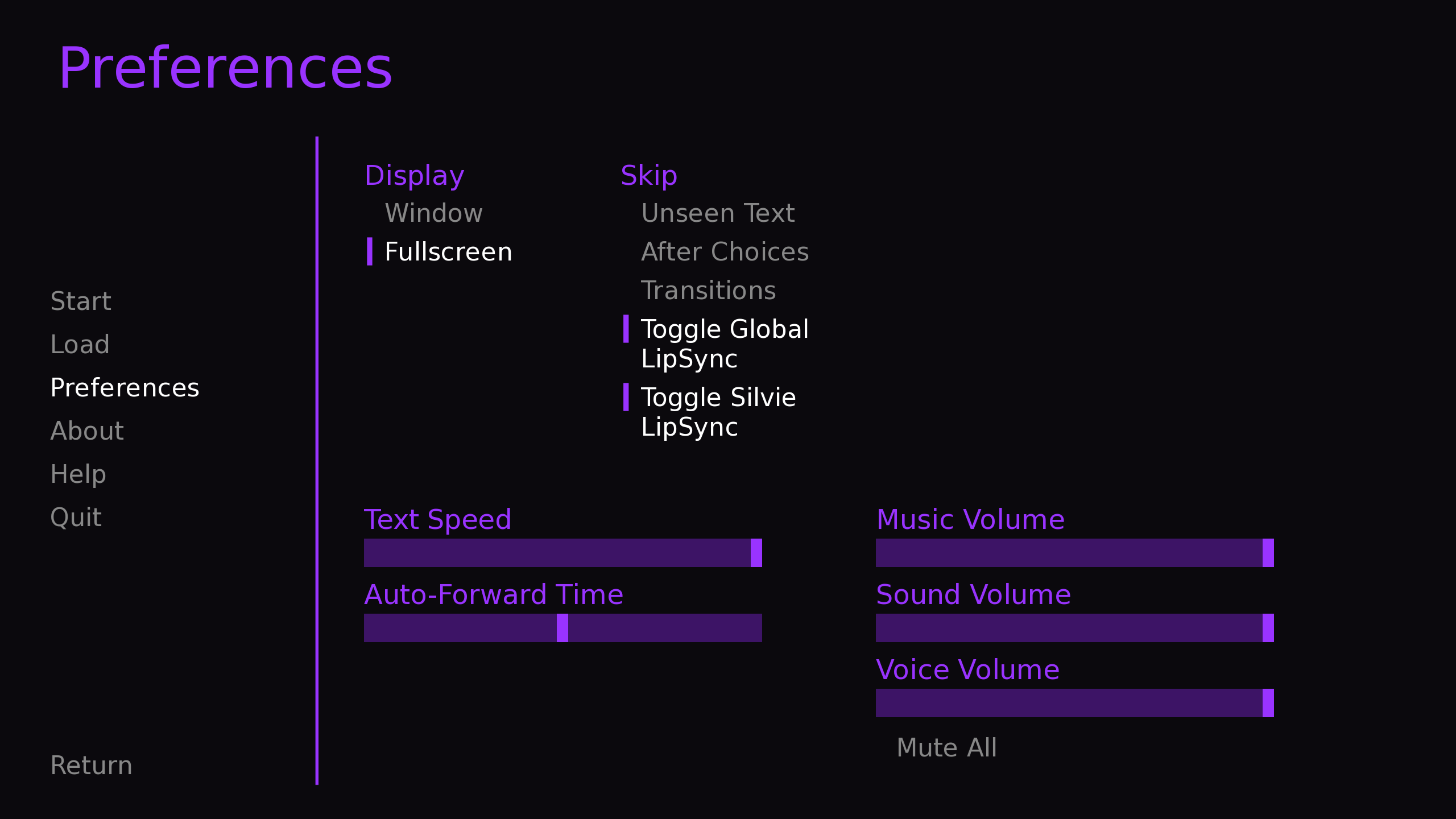
You can enable or disable lip-sync per character using persistent variables (e.g., persistent.silvie_lipsync = True).
✅ Efficient Caching System
Preloads and caches analyzed lip data for fast re-use and minimal memory load.
✅ Debug-Friendly
Includes detailed debug logs to measure memory usage and analysis performance.
✅ Fully Customizable Folder Structure
Works with sprite folders such as sprites/character/group/expression/1.png, 2.png, 3.png for each mouth stage.
✅ Professional-Level Dubbing Support
Ideal for games with recorded dialogue or cinematic storytelling.
🧠 How It Works (Simplified)
1. The system loads your .wav voice file.
2. It analyzes the audio in 10ms chunks and measures the loudness (decibels).
3. Based on the volume, it assigns a mouth stage:
- Stage 1 → Closed
- Stage 2 → Semi-open
- Stage 3 → Fully open
4. Ren’Py automatically updates the character’s sprite every frame while the voice plays.
- The result: lip movement that follows the rhythm and dynamics of real speech.
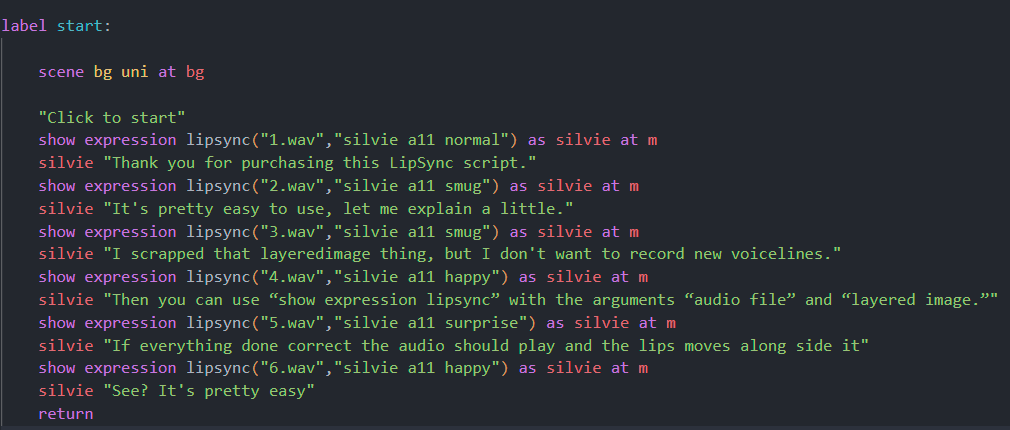
The setup cannot be easier:
📦 Included Files
- lipsync_module.rpy, the complete, documented source code
- your chosen license agreement
- Ready-to-integrate template for your Ren’Py project
🧰 Compatibility
Ren’Py 8.4+
.wav voice files (16-bit PCM, 44,1Khz)
Works on Windows, Mac, Linux, and Android builds
💬 Support
For technical questions, integration help, or license inquiries, please contact:
📧 jaybessecretservice@protonmail.com
Purchase
In order to download this LipSyncPlugin you must purchase it at or above the minimum price of 10.00€ EUR. You will get access to the following files:
Development log
- UPDATE 1.2 FIXES MAJOR ISSUES21 days ago
Comments
Log in with itch.io to leave a comment.
Hi! I was wondering if this worked for layeredimages? It took me a bit to figure out that it was only one image with the different mouths. I ask because i plan to add blinking but it be hard to do if I can only do one image
Hello, layeredimages are currently not supported because changing the mouth shapes is not possible. However, you can use a workaround where your 3 PNGs consist only of the mouth shapes and then you write the lipsync expression directly under the layeredimage call so that only the mouth changes and you have your blinking effect. In other words with layeredimages you call the base sprite with blinking and with lipsync expression you call the mouths to move.
That means you need:
- Base Sprite Eyes Open and Eyes Closed
- Your 3 Mouth shapes only.
Make sure every image is the exact same resolution and your mouth shapes on the correct position.
Thank you!
I am planning to add direct support for blinking into the lipsync expression in V1.3, so you won't need to use a workaround for blinking. The idea is to have something like 4.png, which only shows closed eyes, so the script can use it as an overlay. This overlay will then be displayed randomly every 5–15 seconds for 250 ms to simulate blinking. This is all optional, of course.
Thank you for this, purchased and will use it in my own project. I was going to create my own but this made the process a lot easier.
Thank you! Enjoy! You can always contact me, when you run into any issues.